Cybersecurity

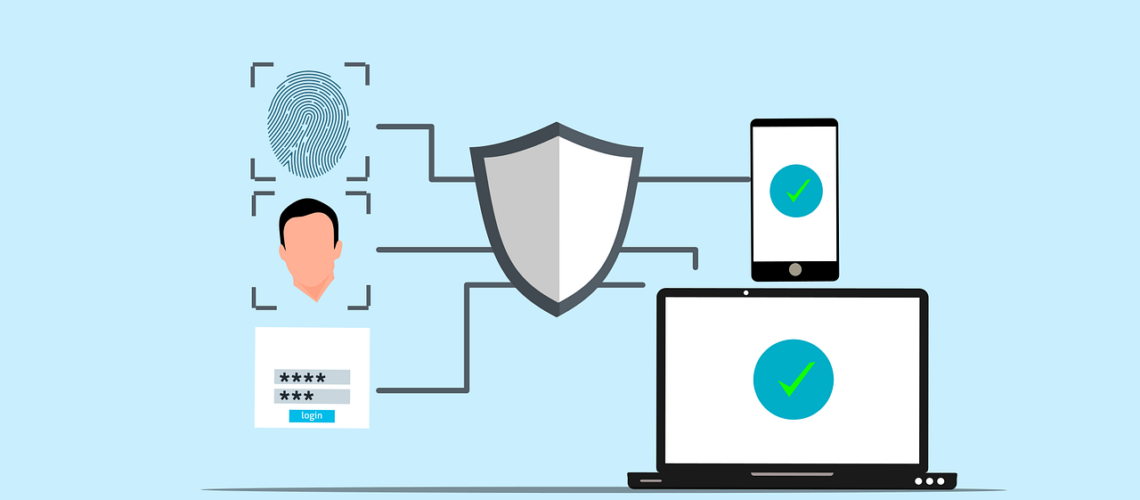
Free cybersecurity security authentication vector

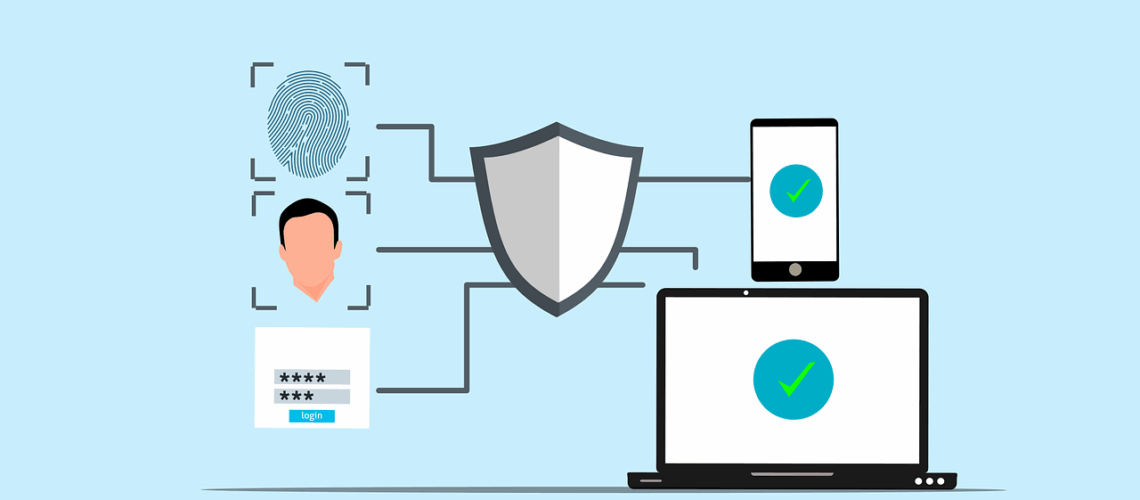
Have you ever wondered how vulnerable your business is to cyberattacks? According to recent reports, nearly 43% of cyberattacks target small businesses, often exploiting weak security measures. One of the most overlooked yet highly effective ways to protect your company is through Multi-Factor Authentication (MFA). This extra layer of security makes it significantly harder for hackers to gain access, even if they have your password. This article explains how to implement Multi-Factor Authentication for your small business. With this knowledge, you’ll be able to take a crucial step in safeguarding your data and ensuring stronger protection against potential cyber threats.Why is Multi-Factor Authentication Crucial for Small Businesses?Before diving into the implementation process, let’s take a step back and understand why Multi-Factor Authentication (MFA) is so essential. Small businesses, despite their size, are not immune to cyberattacks. In fact, they’re increasingly becoming a target for hackers. The reality is that a single compromised
crop-cyber-spy-hacking-system-while-typing-on-laptop

The digital age has made our lives easier than ever, but it has also made it easier for hackers to take advantage of our online weaknesses. Hackers are getting smarter and using more creative ways to get into people’s personal and business accounts. It’s easy to think of weak passwords and phishing emails as the biggest threats, but hackers also use a lot of other, less well-known methods to get into accounts. This post will talk about seven surprising ways hackers can get into your accounts and how you can keep yourself safe.What Are the Most Common Hacking Techniques?Hacking methods have changed a lot over the years, taking advantage of advances in technology and tricks people are good at. Hackers still use brute force attacks and other old-fashioned methods to get around security measures, but they are becoming more sophisticated.One very common way is social engineering, in which hackers trick

Free computer data digital vector

Websites store and use user data in many ways, usually to personalize content, show ads, and make the user experience better. This can include everything from basic data like the type of browser and IP address to more private data like names and credit card numbers. It’s important for people to know how this information is gathered, used, and shared. In this piece, we’ll talk about how websites use user data, the best ways to share data, and why data privacy is important.What Is Data Collection On Websites?It is normal for websites to collect data, which means getting information about the people who use them. This can be done in a number of ways, such as by using cookies, which store information on your computer so that they can recognize you on different websites. Websites also get information from the things people do on them, like when they click, scroll,

Free password login sign vector

Password spraying is a complex type of cyberattack that uses weak passwords to get into multiple user accounts without permission. Using the same password or a list of passwords that are often used on multiple accounts is what this method is all about. The goal is to get around common security measures like account lockouts. Attacks that use a lot of passwords are very successful because they target the weakest link in cybersecurity, which is people and how they manage their passwords. This piece will explain how password spraying works, talk about how it’s different from other brute-force attacks, and look at ways to find and stop it. We will also look at cases from real life and talk about how businesses can protect themselves from these threats.What Is Password Spraying And How Does It Work?A brute-force attack called “password spraying” tries to get into multiple accounts with the same password.

Free internet security digital vector

Malware is a huge threat in the digital world. It can cause a lot of damage and cost people a lot of money. As technology advances, so do the tactics used by cybercriminals. In this article, we will explore some of the newest and trickiest types of malware.7 Malware Threats to Watch Out ForMalware keeps getting more complex and harder to detect. Here are seven new and tricky types of malware that you should know about:1. Polymorphic MalwarePolymorphic malware is a type of malware that changes its code every time it replicates. This makes it hard for antivirus software to detect because it looks different each time. Polymorphic malware uses an encryption key to change its shape and signature. It combines a mutation engine with self-propagating code to change its appearance continuously and rapidly morph its code.This malware consists of two main parts: an encrypted virus body and a virus

Free An overhead view of a person working on a laptop in a minimalist home office setting. Stock Photo

It may seem like the file is gone for good when you delete it from your computer. However, the truth is more complicated than that. A deleted file doesn’t really disappear from your hard drive; it stays there until new data fills up the space it occupied. This process might be hard to understand for people who don’t know much about how computers handle files. We’ll discuss what happens to deleted files, how to recover them, and why they might still be on your device.What Happens When You Delete a File?It’s not as easy as it seems to delete a file. When you send a file to the Trash or Recycle Bin, it is not erased from your hard drive right away. It is instead taken to a temporary storage place and stays there until you decide to empty the bin. The file’s data stays on the hard drive even after

Free to hack fraud map vector

Cybercriminals target Gmail a lot because it’s very popular. It also integrates with many other Google services. As AI-powered hacking attacks become more common, it gets harder for people to distinguish between real and fake emails. As 2025 approaches, it’s crucial for Gmail users to be aware of these new threats and take steps to keep their accounts safe. We’ll discuss the new threats that Gmail users face in 2025 and give tips on how to stay safe.What Are the New Threats to Gmail in 2025?Cyber threats are constantly evolving, and some of the most sophisticated attempts have been aimed at Gmail. One major concern is that Artificial Intelligence (AI) is being used to create scam emails that appear very real. The purpose of these emails is to mimic real ones, making them difficult to spot. AI is also being used to create deepfakes and viruses, which complicates security even further.Gmail

Free cybersecurity security authentication vector

The Cyber Trust Mark is a new smart device label created by the US government to prove that a device is safe. Internet of Things (IOT) devices have risen in popularity recently. Devices like smart thermostats and baby monitors make our lives easier, but also open us up to cyber threats. There were over 112 million IoT cyber attacks worldwide in 2022, and this number continues to grow. With an increase in AI-powered attacks, an 82% increase was expected in 2024. The United States created new standards to confirm a device is safe. As a result, you may see a shield with the “U.S. Cyber Trust Mark” when device shopping. Let’s take a look at what this means and how you can use this new feature next time you make a purchase. What is the Cyber Trust Mark?Smart devices are everywhere nowadays, from our homes to offices. Yet, some such devices are still

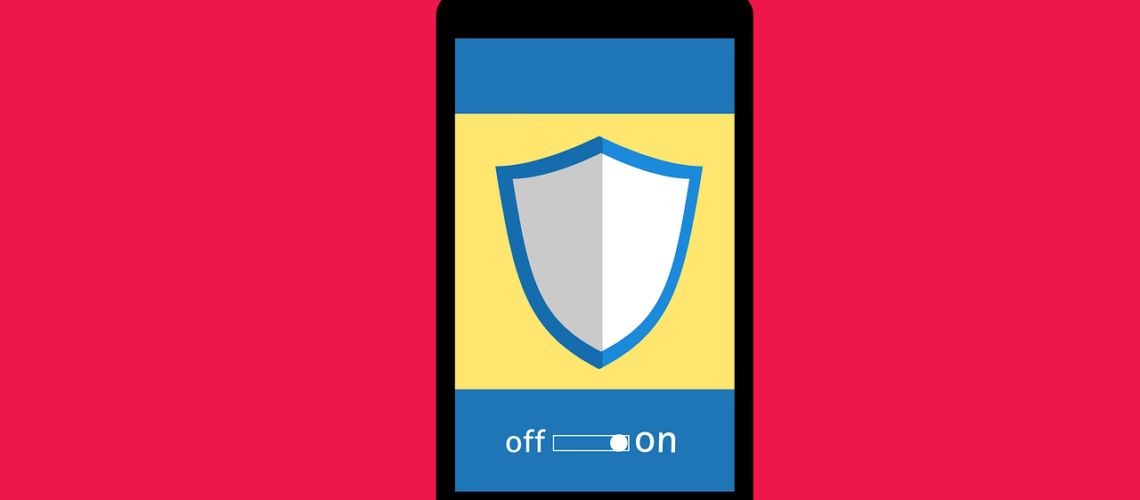
Free cyber security phone login vector

Mobile applications have become an integral part of our lives. We use them to browse the internet, network, communicate, and much more. But they open us up to risks caused by fraudsters who may steal information or damage our phones. According to 2024 data from Asee, over 75% of published apps have at least one security vulnerability. This means that 3 out of every 4 your favorite apps could be risky to use. It’s important to be cautious while downloading and maintaining apps. Here are ten simple tips that can help keep your mobile apps secure.Why Is Mobile App Security Important? Not only do 75% of apps risk our security, but business apps are three times more likely to leak log-in information. These risks also include even the most popular apps. Those with over 5 million downloads still have at least one security flaw. Using mobile apps is not always safe. There are

Free hacker computer programming vector

Malware and ransomware are two types of bad software. They can damage your computer or steal your data. Downloading this harmful software comes with serious consequences. In 2024, there were more than 60 million new strains of malware found on the internet. This is why it’s critical to understand the difference between them. This article will help you understand both types of threats.What is Malware?Malware is a general term that means “malicious software.” It includes many types of harmful programs. Depending on the type, malware can do different bad things to your computer. These are the four main types of malware: Viruses: These spread from one computer to another.Worms: They can copy themselves without your help.Trojans: They trick you into thinking they’re good programs.Spyware: This type watches what you do on your computer.Malware can cause a lot of problems. If you get malware on your device, it can: Slow down your computerDelete your