Monthly Archives: August 2026

hacker typing on a laptop lego style

Article Summary: If your business is hit by a cyberattack, the first hour matters. Disconnect the affected devices from the network instead of powering them off, call your IT provider by phone, and leave the evidence in place. If money was wired to a scammer, call your bank right away. This post is the step-by-step plan, plus where to report an attack in the US, UK, and Australia.If a cyberattack hits your business, what you do in the first hour really matters.It’s also the easiest time to make a costly mistake, like turning off the wrong machine, deleting evidence, or replying from an email account the attacker is already reading.The steps below tell you what to do, in order, so you’re not guessing in the moment.Doing these steps doesn’t require technical knowledge.Before anything else: don’t make it worseBefore you touch anything, avoid these:Don’t turn the affected computer off, if you


person sitting front of laptop

Article Summary: A passkey lets you sign in to an app or website using the same fingerprint, face, or PIN you use to unlock your phone or laptop, with no password to type. It’s built on a security standard called FIDO that can’t be phished, because the passkey only works on the real site and there’s no password to steal or reuse. Most major platforms and a growing list of business tools support passkeys, and Microsoft 365 includes them at no extra cost. For most businesses, it’s worth starting to roll them out, beginning with the most sensitive accounts.Passwords are the weak point in most businesses.People reuse them across accounts, write them on sticky notes, and type them into convincing fake login pages without realizing it.Passkeys are the technology built to replace passwords, and they fix the parts that cause the most trouble.A passkey lets you sign in with the

flat-screen-computer-monitor-turned-on

Article Summary: Windows 10 reached the end of Microsoft support on October 14, 2025, which means it no longer gets security updates. The computers still work, but any new flaw found in Windows 10 will never be fixed, which makes them easier to attack and can cause problems with compliance and cyber insurance. You have three options: upgrade eligible PCs to Windows 11 for free, pay for Extended Security Updates as a short-term bridge, or replace machines too old to upgrade.Microsoft stopped supporting Windows 10 on October 14, 2025.If your business is still running it, and plenty are, your computers aren’t getting security updates anymore.Everything still turns on and works like normal, which is exactly why it’s easy to put off doing anything about it. The trouble is, the longer you stay on Windows 10, the more security holes pile up that nobody is ever going to fix.So what does

teacher-video-calling-with-his-students-using-a-computer

Article Summary: AI note-takers join your meetings, transcribe everything said, and save the recording and summary to the vendor’s servers. Who can see that recording depends on the tool. Some keep your data inside your own Microsoft or Google environment and never use it for training, while others store it on their own servers and may use it to improve their AI. Some also auto-join meetings from your calendar without anyone pressing record. Before you let one into a client or staff meeting, it’s worth knowing where the recording goes and getting everyone’s consent.AI note-takers have become normal in a short time.You start a Teams, Zoom, or Google Meet call, a bot joins to record the conversation, and minutes later everyone gets a tidy summary with action items.It saves real time, which is why staff often adopt these tools on their own, before anyone has asked where the recording ends

closeup of mail app icon on phone

Article Summary: Email spoofing is when a scammer sends a message that appears to come from your domain, often to trick your clients or staff into paying a fake invoice or changing banking details. Three DNS records (SPF, DKIM, and DMARC) prove that a message really came from you and tell receiving mail servers to reject the ones that didn’t. The catch is that DMARC only protects you once it’s set to “quarantine” or “reject,” and a lot of businesses leave it on “none,” which monitors but does not block.Right now, with no special tools, someone could send an email that looks like it came from your company.The From line would show your domain, your logo could be pasted into the message, and it could ask one of your clients to pay an invoice or update banking details. This is called email spoofing, and it is one of the most

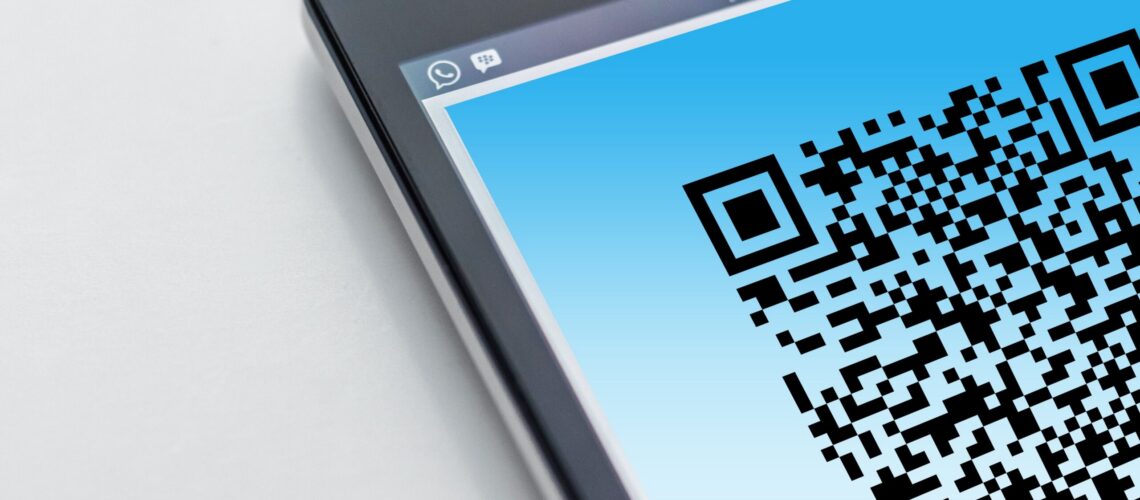
Free High-resolution close-up of a smartphone displaying a QR code on its screen. Stock Photo

Article Summary: A QR code scam, sometimes called quishing, hides a malicious web link inside a QR code. Because the link is buried in an image instead of written as text, it slips past the email filters that normally catch bad links, and scanning the code usually moves the victim onto a personal phone that sits outside the company’s security. Microsoft reported a 146% rise in QR code phishing during the first quarter of 2026.QR codes are part of normal business now.You scan them to see a menu, pay for parking, connect to Wi-Fi, or open a shared document. Attackers know that, and they have started hiding malicious links inside QR codes to get past the security tools that would normally catch a bad link in an email.The technique has a name, quishing, and it works because a QR code is just an image.Your email filter reads text, so a link