Online Presence

Free antivirus security privacy illustration

A fake recruiter message is one of the cleanest social engineering tricks around because it doesn’t look like a trick.That’s why LinkedIn recruitment scams work so well inside real businesses. They don’t arrive as malware. They arrive as a normal conversation that nudges someone toward one small action: click this link, open this file, “verify” this detail, move the chat to a different app.A few simple checks, a couple of hard-stop rules, and an easy way to report suspicious outreach can shut these scams down without slowing anyone down.LinkedIn Recruitment ScamsLinkedIn recruitment scams artfully blend into normal professional behaviour. The message doesn’t look like a “cyber attack.” It looks like networking, and it borrows credibility from recognisable brands, polished profiles, and familiar hiring language. At platform scale, the volume is also hard to wrap your head around. Rest of World reports that LinkedIn said it “identified and removed 80.6 million fake accounts” at registration
Free computer file network vector

Have you ever thought about how many potential customers leave your website because of accessibility issues? It’s not just a guess. A UK Click-Away Pound survey found that 69% of disabled internet users leave websites that aren’t accessible. For small and medium businesses, this represents a significant missed opportunity. So, how do you make your website and documents digitally accessible? This guide will show you simple, actionable steps to make your website and documents welcoming to everyone. Understand How People Use Your SiteIt’s easy to think your website is intuitive just because it works for you. But that doesn’t mean it works for everyone. Some people use a keyboard instead of a mouse. Others rely on screen readers that read text aloud or use voice commands to navigate a page. Testing how real users with disabilities interact with your website can show you things you might never notice.The most valuable insights come

person-using-silver-and-black-laptop-computer

Personal data protection is more important than ever in this digital world. The dark web is a secret part of the internet that is very dangerous because it is often used for illegal things like selling personal information. Because the dark web is decentralized and private, it is very hard to get rid of data that is already there. This article will go into detail about how hard it is to get data off of the dark web, how to keep your personal information safe, and other ways to make your online safety better. We’ll talk about what the dark web is, how hard it is to get rid of data, and what you can do to protect your identity.What is the Dark Web and How Does It Work?The dark web is a part of the internet that regular search engines don’t crawl, so you need special tools to get there.

Free security pattern lock vector

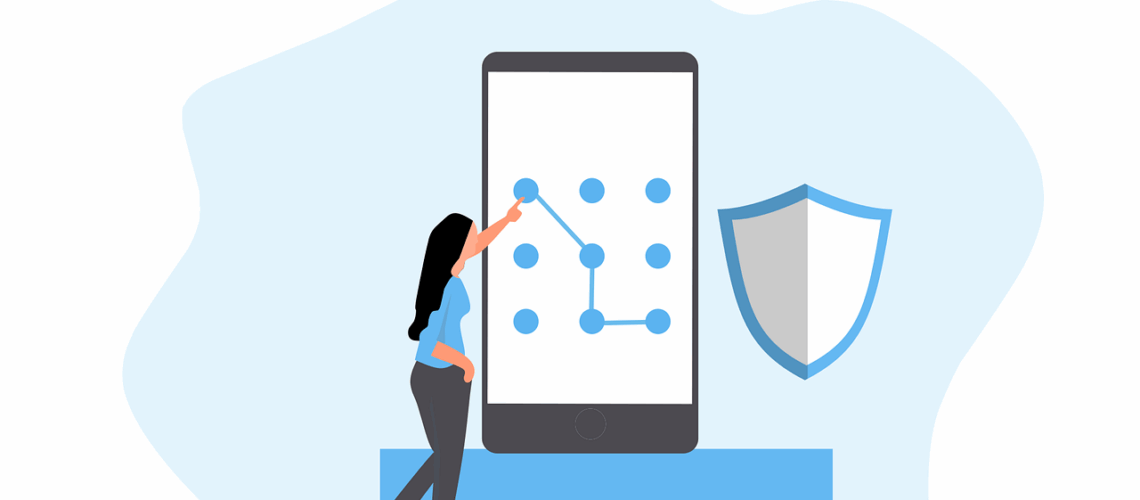
Cyber risks are smarter than ever in today’s digital world. People and companies can lose money, have their data stolen, or have their identities stolen if they use weak passwords or old authentication methods. A strong password is the first thing that will protect you from hackers, but it’s not the only thing that will do the job. This guide talks about the basics of strong passwords, two-factor authentication, and the safest ways to keep your accounts safe. We’ll also talk about new verification methods and mistakes you should never make.Why Are Strong Passwords Essential?Your password is like a digital key that lets you into your personal and work accounts. Hackers use methods like brute-force attacks, phishing, and credential stuffing to get into accounts with weak passwords. If someone gets your password, they might be able to get in without your permission, steal your info, or even commit fraud.Most people make